Zero-downtime deploys without Kubernetes: a practical look at Kamal
Kamal ships containers to plain Linux servers over SSH and swaps traffic with a tiny proxy. Here's how the pieces fit, and when it's the right tool.
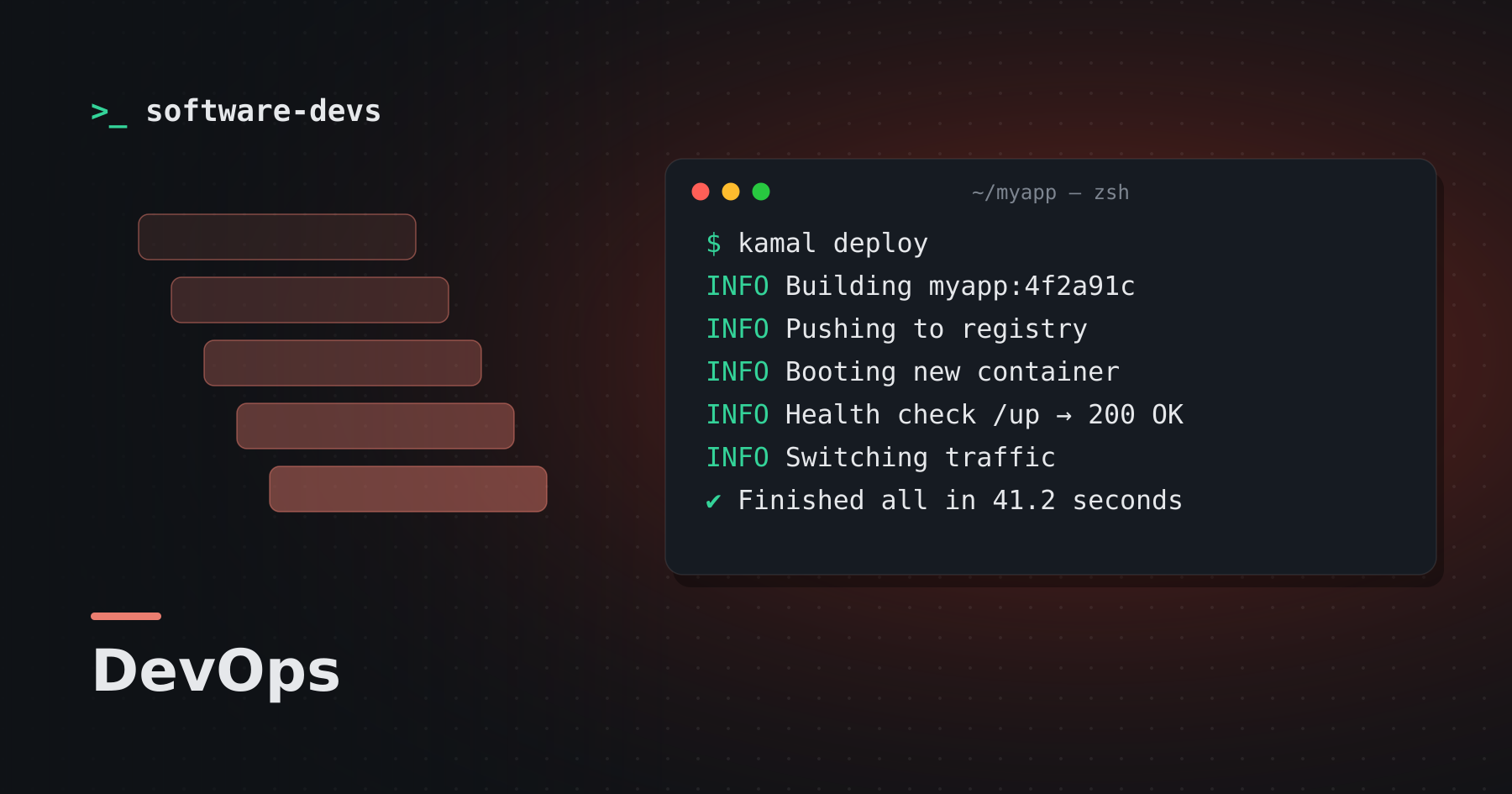
For a lot of teams, the jump from "one VPS and a shell script" to "a managed Kubernetes cluster" is far too big. Kamal sits in the gap: it builds a Docker image, pushes it to a registry, and rolls it out to any server you can SSH into — with zero downtime and no control plane to babysit.
The moving parts
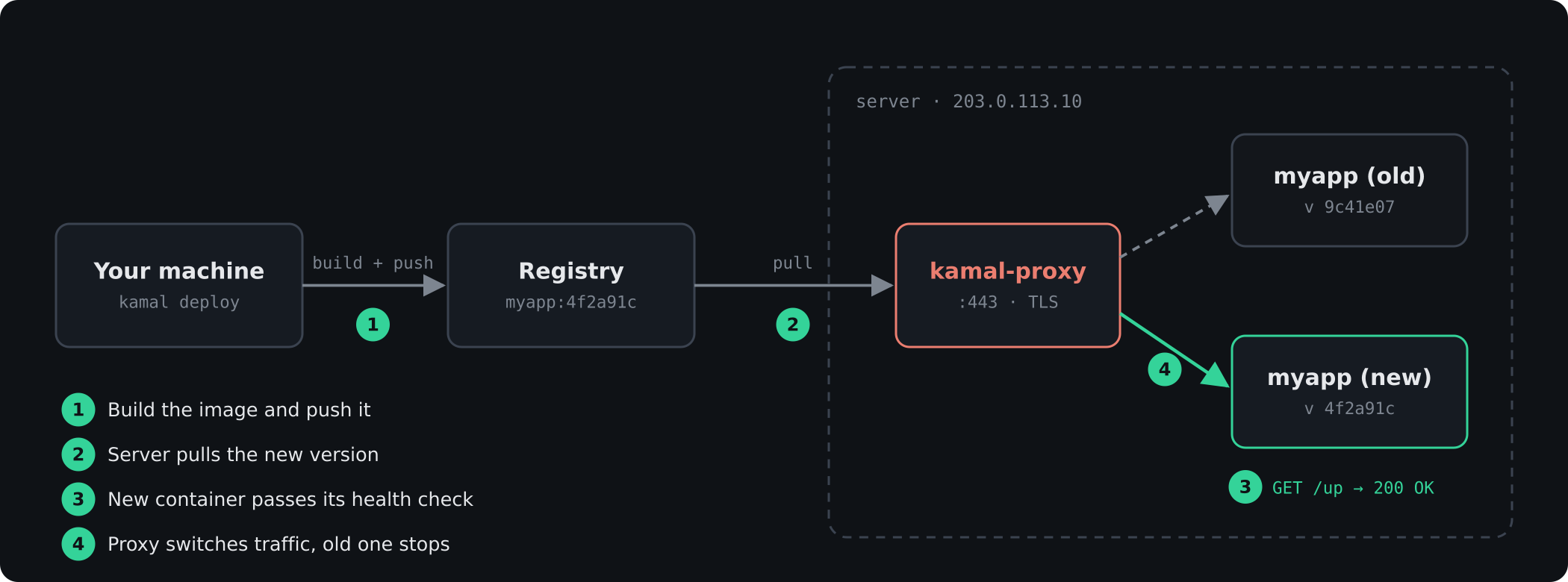
A Kamal deploy has three ingredients:
- Your image. A normal
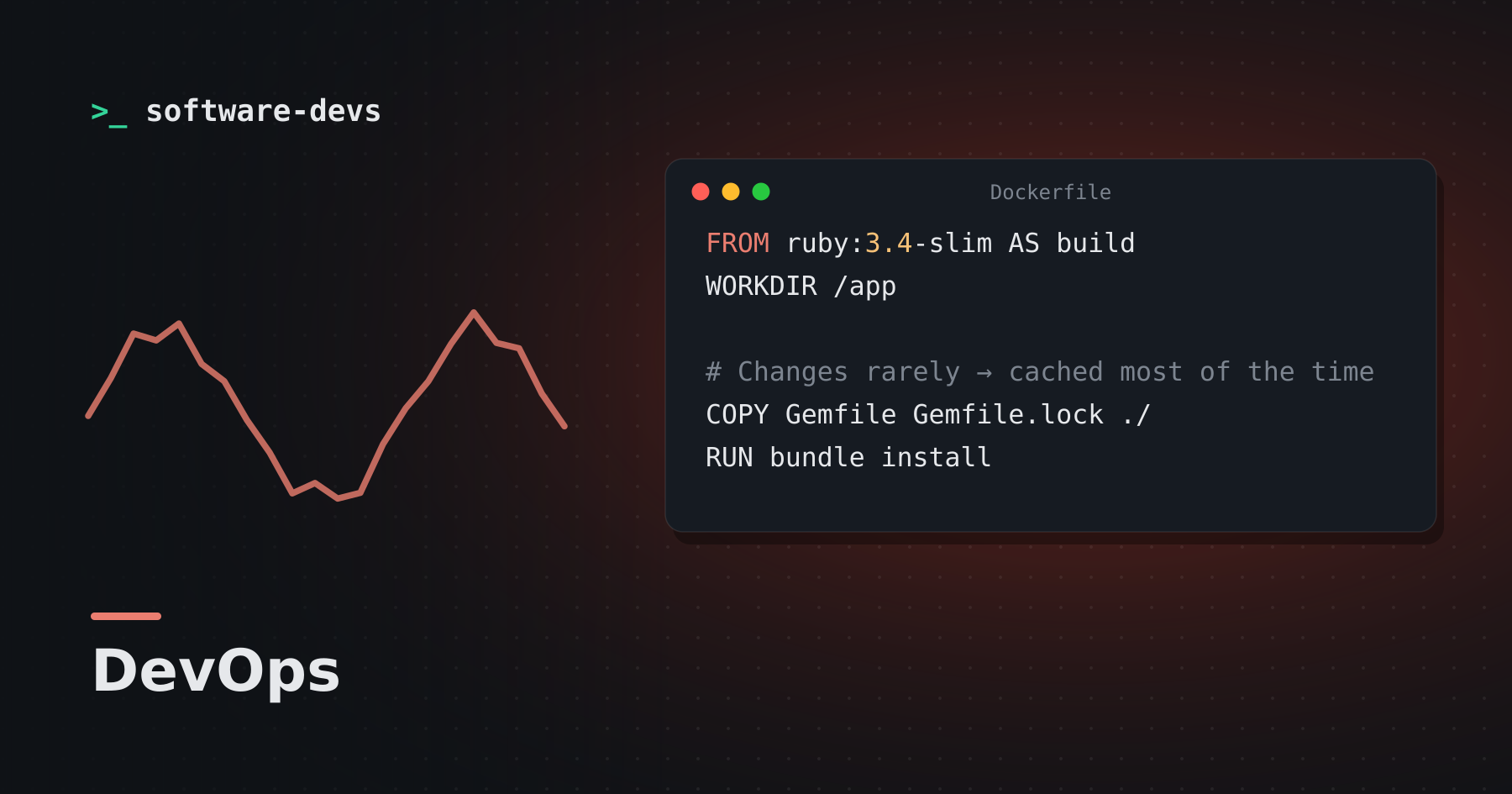
Dockerfile. Kamal builds it locally (or on a remote builder) and tags it with the git SHA. - A registry. Docker Hub, GHCR, or even a local registry tunneled over SSH.
- kamal-proxy. A small reverse proxy that runs on each host, terminates TLS via Let's Encrypt, and switches traffic between containers.
When you run kamal deploy, the new container boots alongside the old one. Only once its health check (by default GET /up) returns 200 does the proxy move traffic over and stop the old container.
# config/deploy.yml
service: myapp
image: myorg/myapp

servers:
  web:
    - 203.0.113.10

proxy:
  ssl: true
  host: myapp.example.com

volumes:
  - "myapp_storage:/rails/storage"
Secrets stay out of git
Secrets live in .kamal/secrets, which is just a dotenv file that is allowed to call out to commands. That means the file itself can be committed while the values come from a password manager or environment variables:
KAMAL_REGISTRY_PASSWORD=$KAMAL_REGISTRY_PASSWORD
RAILS_MASTER_KEY=$(cat config/master.key)
When it's a good fit
| Situation | Kamal? |
|---|---|
| One to a handful of servers | Great fit |
| SQLite or a single managed database | Great fit |
| Dozens of services with autoscaling | Probably not |
| You already run Kubernetes well | Stick with it |
The takeaway
Kamal doesn't try to be an orchestrator. It's a well-designed deploy script with good defaults — and for many products, that's exactly the right amount of infrastructure.