Writing Dockerfiles that build in seconds, not minutes
Most slow Docker builds come down to layer ordering. A few structural habits make rebuilds dramatically faster.
Docker builds an image as a stack of layers, and it reuses a cached layer only if that step and every step before it is unchanged. Slow builds almost always come from invalidating the cache too early.
Copy dependency manifests first
The single biggest win: install dependencies before copying your source code.
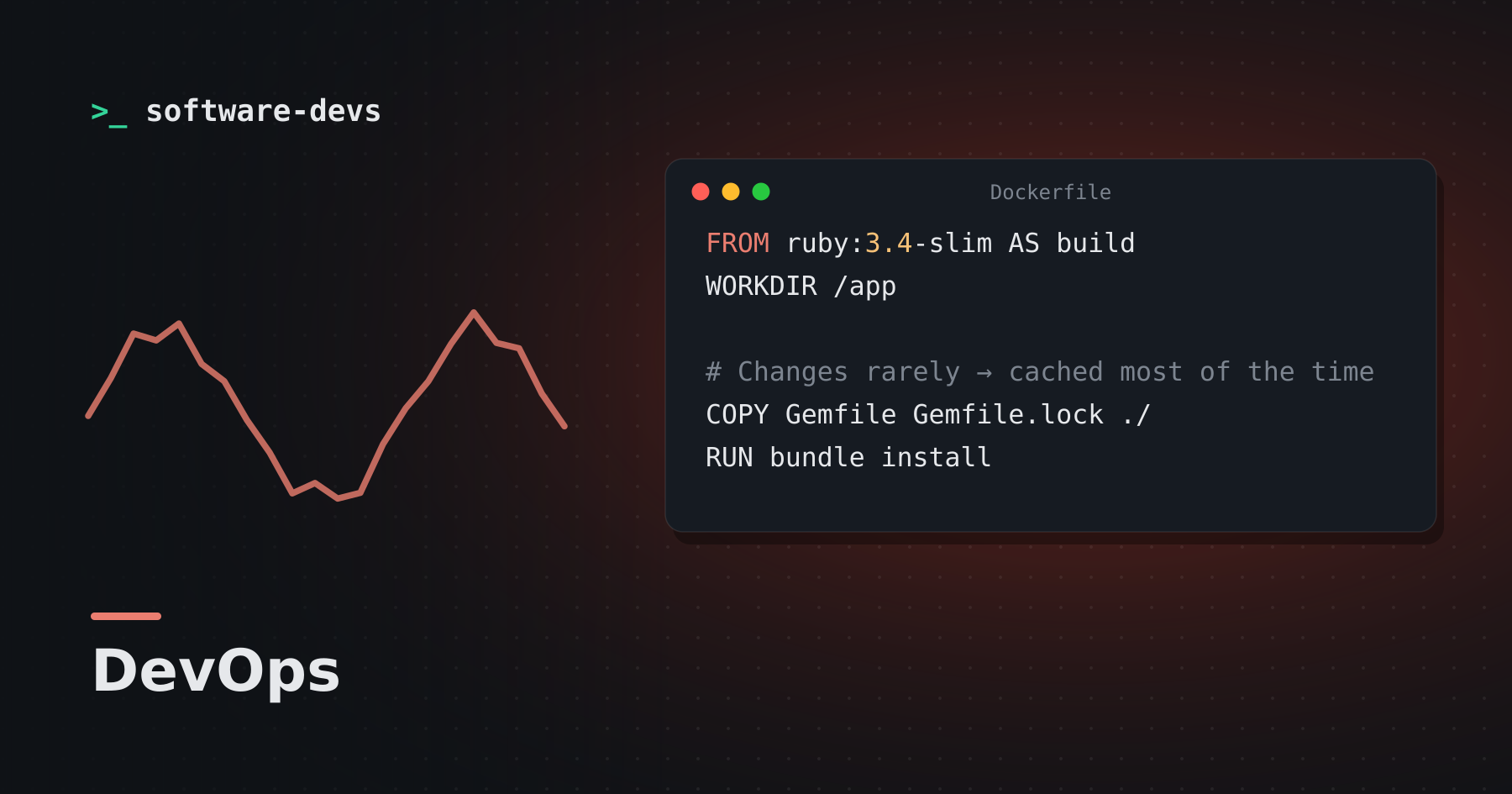
FROM ruby:3.4-slim AS build
WORKDIR /app

# Changes rarely → cached most of the time
COPY Gemfile Gemfile.lock ./
RUN bundle install

# Changes constantly → only this layer and below rebuild
COPY . .
RUN bin/rails assets:precompile
If you COPY . . first, editing a single view file reinstalls every gem.
Use multi-stage builds
Compilers, headers and build tools are needed to build your app, not to run it. Build in one stage and copy only the results into a slim final stage:
FROM ruby:3.4-slim
COPY --from=build /usr/local/bundle /usr/local/bundle
COPY --from=build /app /app
Smaller images push and pull faster, and ship fewer packages that could carry vulnerabilities.
Keep the build context small
Everything in the build directory is sent to the builder. A .dockerignore that excludes .git, node_modules, logs and local databases can shave seconds off every build.
.git
log/*
tmp/*
node_modules
storage/*
Cache mounts for package managers
BuildKit can persist package-manager caches across builds without baking them into the image:
RUN --mount=type=cache,target=/root/.cache/pip pip install -r requirements.txt
In CI
CI runners usually start with an empty cache. Export and import the build cache (to a registry or the CI cache store) so pipelines get the same speed-up your laptop does.
None of this is exotic. Order layers from least to most frequently changed, ship only what you run, and the build cache does the rest.