Why more teams are running SQLite in production
Once dismissed as a toy, SQLite now powers serious web apps. WAL mode, fast NVMe disks and better tooling changed the math.
For years the advice was simple: SQLite for tests and prototypes, a "real" database for production. That advice is aging badly.
What changed
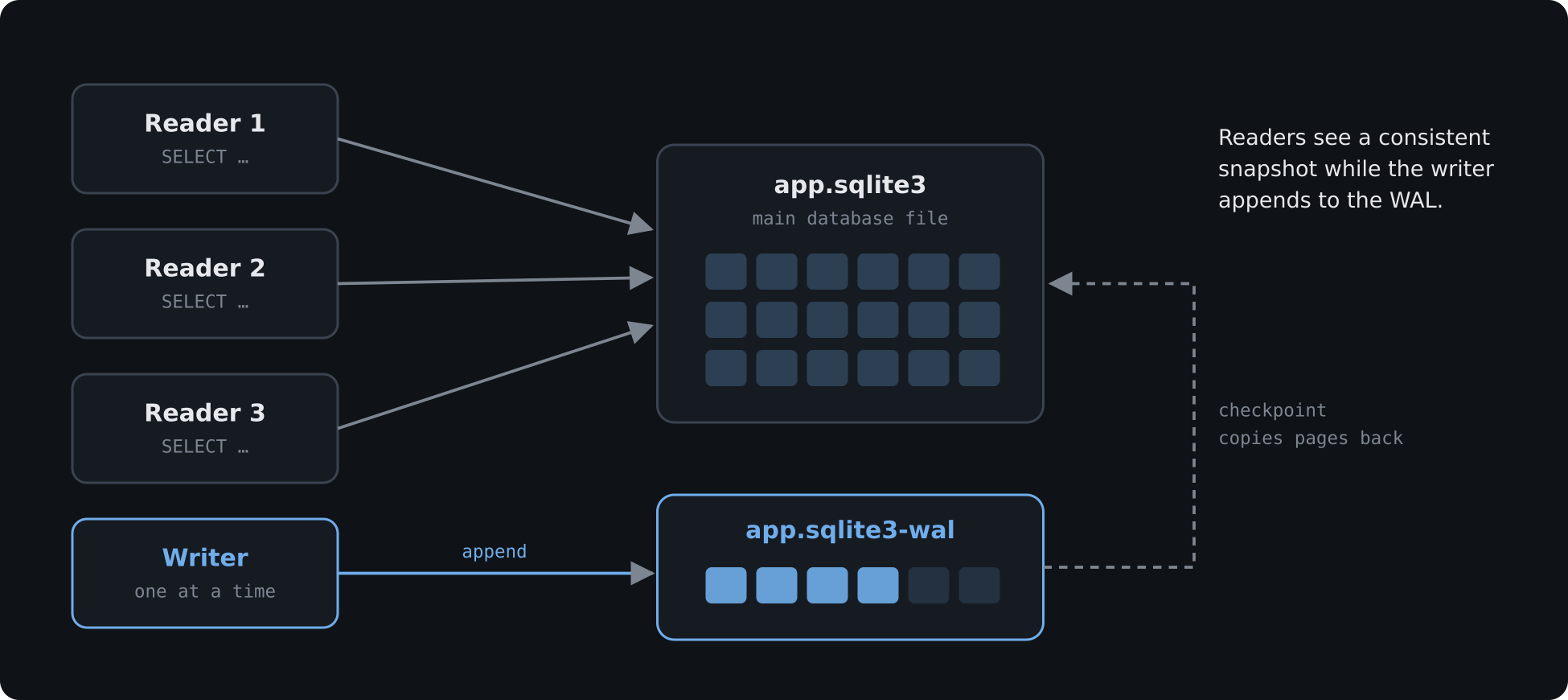
- Write-ahead logging (WAL). Readers no longer block writers, and writers no longer block readers. Most web workloads are overwhelmingly reads.
- Fast local disks. On NVMe storage, a query against a local file finishes before a network round trip to a database server would even start.
- Framework support. Modern frameworks ship sane SQLite defaults — WAL, busy timeouts and
IMMEDIATEtransactions — out of the box.
The real constraint: one writer
SQLite allows exactly one writer at a time. In practice, writes are short, so a single writer can still handle thousands of small transactions per second. The trouble starts with long-running write transactions, which queue everything behind them.
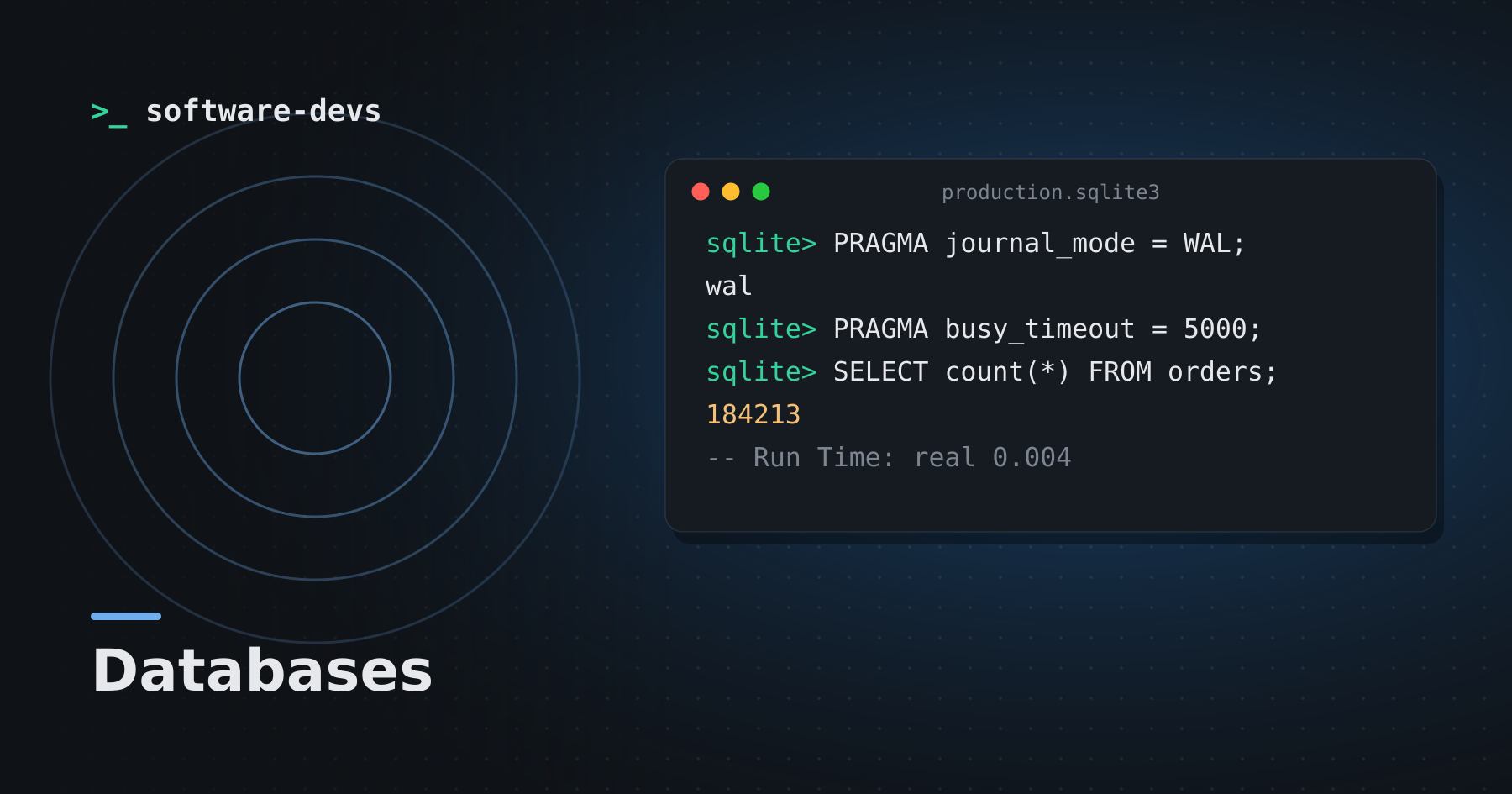
PRAGMA journal_mode = WAL;
PRAGMA synchronous = NORMAL;
PRAGMA busy_timeout = 5000;
Operational checklist
- Put the database file on a persistent volume, not inside the container.
- Set up continuous backups — streaming replication tools can ship WAL frames to object storage.
- Keep everything on one host. SQLite is not a networked database; don't put it on NFS.
Should you switch?
If your app runs on a single server and your writes are short, SQLite removes an entire moving part from your stack. If you need multiple app servers writing concurrently, a client–server database is still the right call.