N+1 queries: how to spot them and how to fix them
The most common ORM performance bug hides in plain sight in your logs. Eager loading fixes it — once you know where to look.
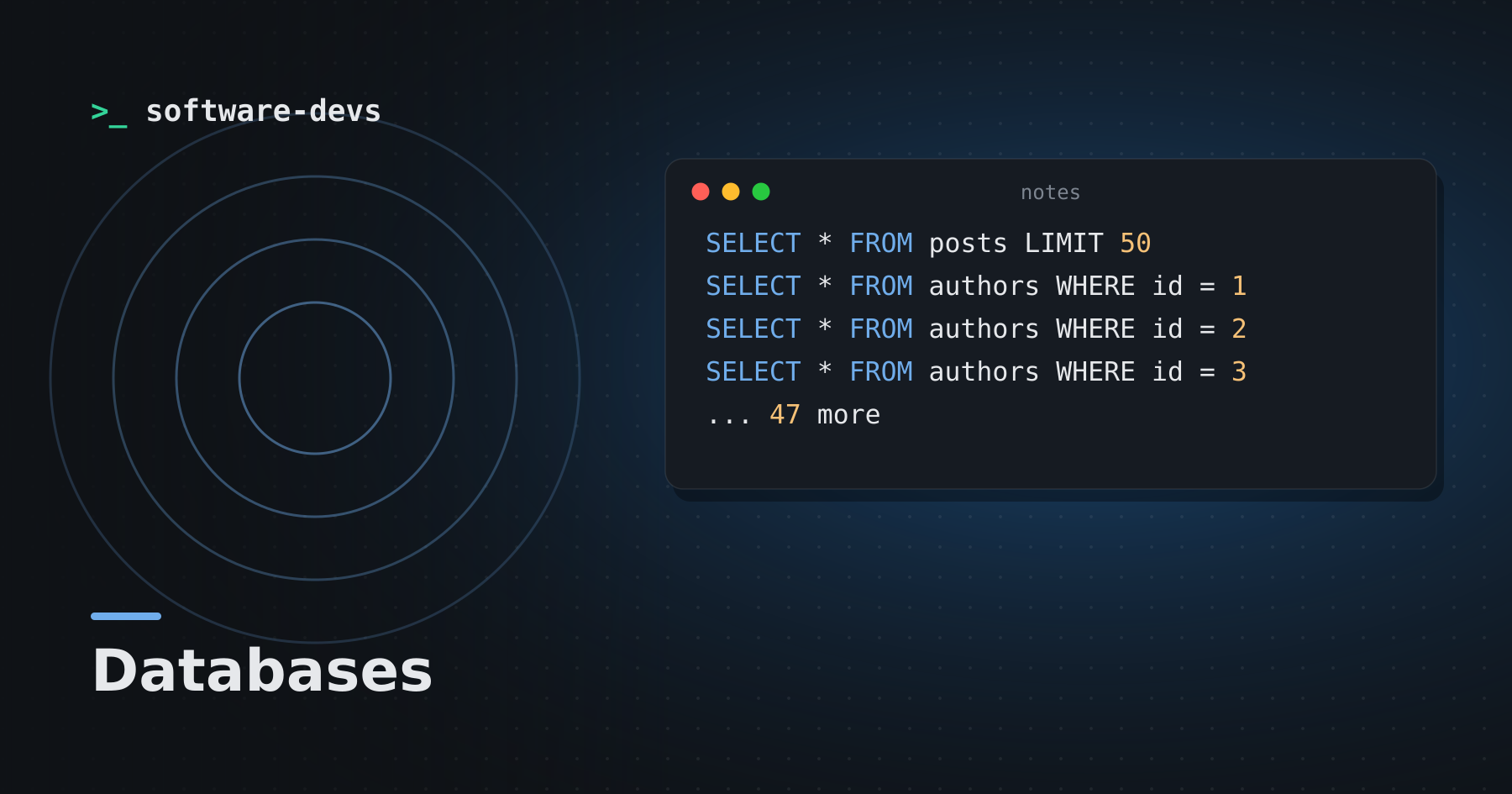
You load 50 blog posts, then display each post's author. Looks innocent. Under the hood, that's 1 query for the posts and 50 more for the authors: an N+1.
What it looks like
SELECT * FROM posts LIMIT 50
SELECT * FROM authors WHERE id = 1
SELECT * FROM authors WHERE id = 2
SELECT * FROM authors WHERE id = 3
... 47 more
Each query is fast. Fifty-one round trips are not, and the cost grows with your data.
The cause
ORMs load associations lazily: the author isn't fetched until you touch post.author. Inside a loop, each touch is a new query.
@posts = Post.limit(50)

# in the view
@posts.each do |post|
  post.author.name   # one query per post
end
The fix: eager loading
Tell the ORM up front which associations you'll need:
@posts = Post.includes(:author).limit(50)
Now it runs two queries total: one for posts, one for all their authors with WHERE id IN (...). Most ORMs have an equivalent — select_related / prefetch_related in Django, include in Prisma, joinedload in SQLAlchemy.
Finding them
- Read your development logs. Repeated, near-identical queries are the signature.
- Use a detector that warns or raises when lazy loading happens in a loop.
- Turn on strict loading where your ORM supports it, so lazy loads raise errors in development and tests.
- Check APM traces in production: a request with hundreds of tiny database spans is a giveaway.
Watch out for
- Nested associations:
includes(comments: :author)for comments and their authors. - Counts:
post.comments.countin a loop issues aCOUNTper post. Use a counter cache or a grouped query. - Over-eager loading: loading associations you don't render wastes memory. Include only what the page uses.
N+1s are rarely a problem with ten rows in development. They become one with ten thousand in production — which is why it pays to catch them early.