Progressive enhancement: build forms that work before the JavaScript loads
Start with HTML that works on its own, then layer on JavaScript. Your app gets faster, more resilient and more accessible almost for free.
Progressive enhancement is an old idea that keeps proving itself: build the baseline in plain HTML, then enhance it with CSS and JavaScript. If the script fails to load — slow network, browser extension, a deploy that broke a bundle — the core still works.
Forms are the best place to start
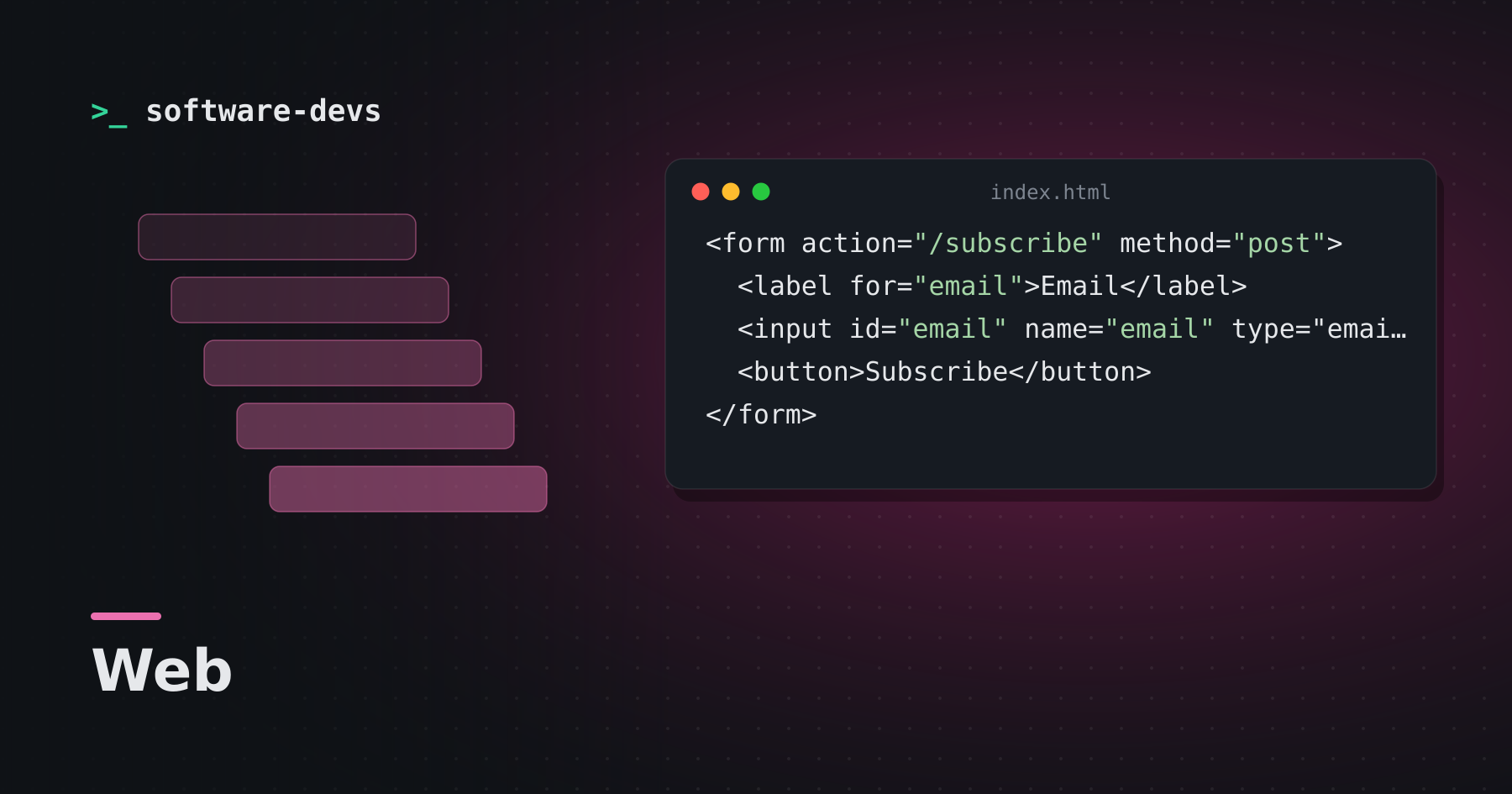
<form action="/subscribe" method="post">
  <label for="email">Email</label>
  <input id="email" name="email" type="email" required autocomplete="email">
  <button>Subscribe</button>
</form>
With zero JavaScript, this form:
- submits to the server and works with the back button,
- validates that the field is a non-empty email address,
- shows an appropriate keyboard on phones,
- works with password managers and autofill,
- is announced correctly by screen readers.
Then enhance
Intercept the submit with JavaScript to post in the background and update the page without a reload. If your script doesn't run, the browser falls back to a normal submission. Many modern frameworks do this automatically for links and forms.
Use the platform
Browsers now handle a lot that used to need libraries:
<dialog>for modals, with focus handling built in<details>and<summary>for disclosure widgetsinput type="date",type="color"andinputmode- Constraint validation:
required,pattern,min,max - The
popoverattribute for menus and tooltips
Native elements come with keyboard support and accessibility semantics you'd otherwise have to rebuild.
The server stays the source of truth
Client-side validation is a convenience. The server must still validate everything, because requests can come from anywhere. Progressive enhancement makes this natural: the server-side path is the primary one, not an afterthought.
Why it's worth it
A page that works before JavaScript arrives feels fast, because it's usable sooner. It degrades gracefully instead of showing a blank screen. And it's usually less code — the browser does the heavy lifting.