HTML over the wire: building fast interfaces without a SPA
Server-rendered HTML plus a little JavaScript can deliver app-like interfaces. Here's how the HTML-over-the-wire approach works and where it stops being a good idea.
Single-page applications became the default for interactive web apps, and with them came client-side routing, state management and a second codebase. The HTML-over-the-wire approach asks a simple question: what if the server just sent HTML?
The three building blocks
- Page navigation without full reloads. Links and form submissions are intercepted, fetched in the background, and the
<body>is swapped. The browser keeps CSS and JS loaded. - Frames. Independent regions of a page that load and update on their own — an inline edit form, a lazily loaded sidebar.
- Streams. Small instructions — append, replace, remove — that the server can send in response to a form submission or over a WebSocket.
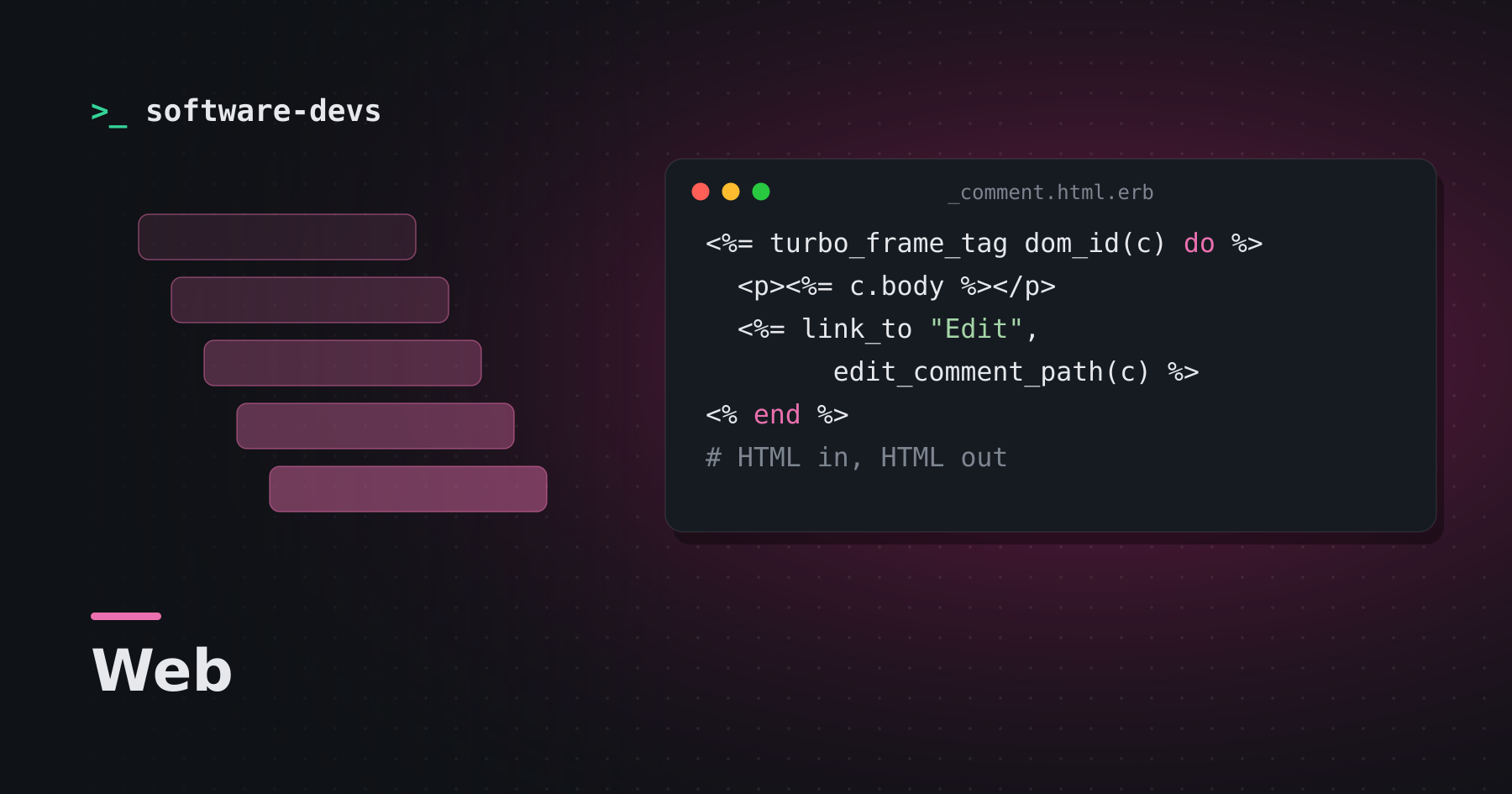
<%= turbo_frame_tag dom_id(comment) do %>
  <p><%= comment.body %></p>
  <%= link_to "Edit", edit_comment_path(comment) %>
<% end %>
Clicking Edit loads the edit page, extracts the matching frame, and swaps just that piece in place.
Sprinkles, not frameworks
For behavior that genuinely belongs in the browser — toggles, clipboard buttons, character counters — small controllers attach to existing HTML via data attributes:
<div data-controller="clipboard">
  <input data-clipboard-target="source" value="npm install" readonly>
  <button data-action="clipboard#copy">Copy</button>
</div>
Where it doesn't fit
Highly interactive canvases — design tools, spreadsheets, games — or offline-first apps still benefit from rich client-side state. For CRUD-heavy products, dashboards and content sites, sending HTML is often simpler and faster.