Give your AI coding assistant a project brief
Coding assistants start every session knowing nothing about your project. A short, well-maintained instructions file fixes most of the "it ignored our conventions" complaints.
AI coding assistants are good at writing code and bad at guessing your team's unwritten rules. Most tools now read a project-level instructions file at the start of every session. Writing a good one is cheap and pays off on every task.
What to put in it
Think of it as the brief you'd give a capable contractor on day one.
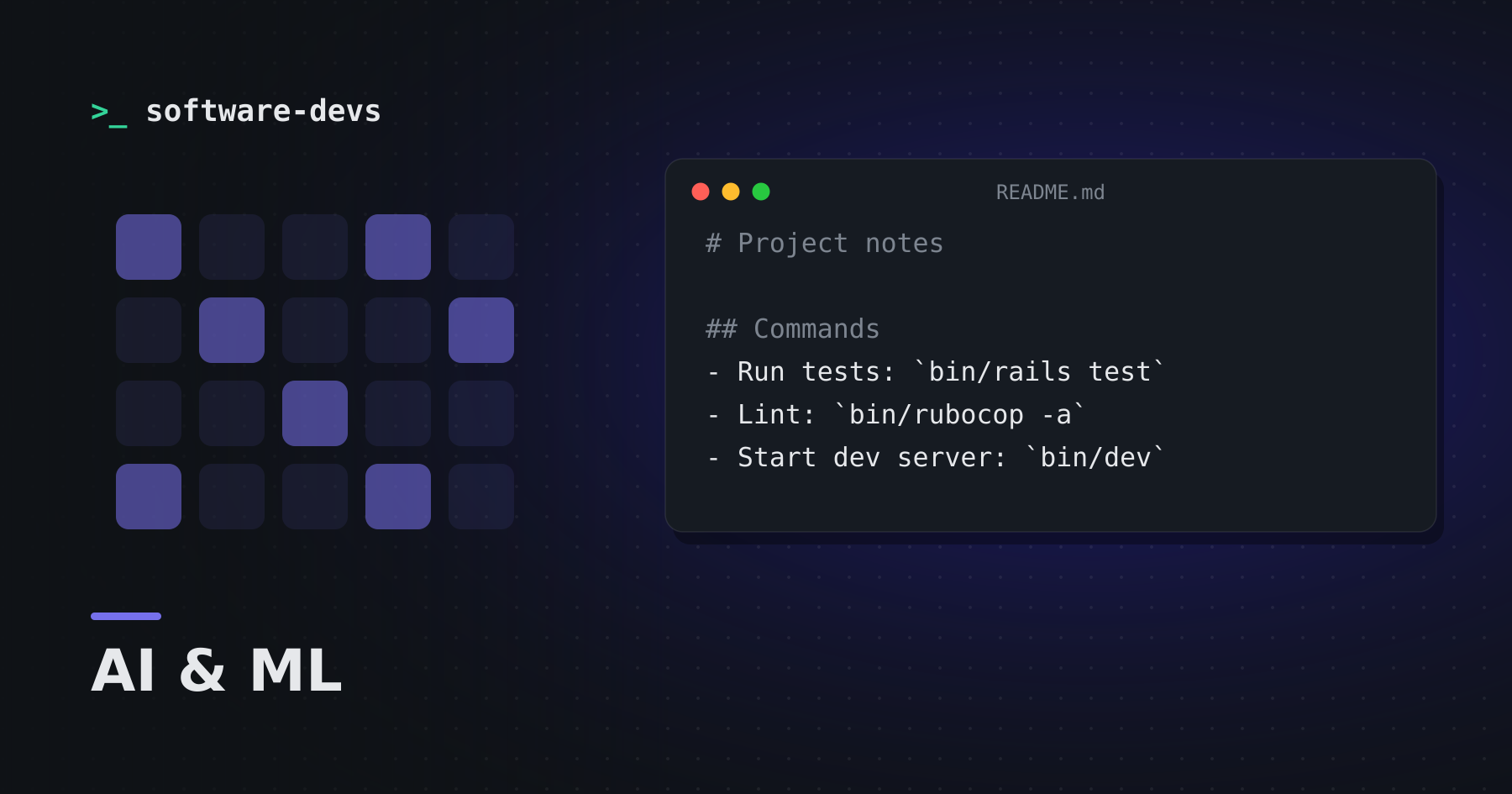
# Project notes

## Commands
- Run tests: `bin/rails test`
- Lint: `bin/rubocop -a`
- Start dev server: `bin/dev`

## Conventions
- Service objects live in app/services and expose `.call`
- Never edit db/schema.rb by hand; write a migration
- Use the existing Money type for prices; never floats

## Gotchas
- The payments sandbox needs PAYMENTS_ENV=test
Principles
Be specific. "Write clean code" changes nothing. "Prefer early returns over nested conditionals" does.
Explain the why. "Don't use floats for money — rounding errors broke invoices in the past" helps the model generalize to cases you didn't list.
Keep it short. A focused page beats an exhaustive manual. Every instruction competes for attention, and outdated ones actively mislead.
Include the commands. The fastest way to improve AI-written code is letting the assistant run the tests and linter itself and fix what fails.
Maintain it like code
- Commit it to the repository so everyone — and every assistant — gets the same brief.
- When the assistant makes the same mistake twice, add a line.
- When a rule no longer applies, delete it.
- Review changes to it in pull requests.
Bonus: it helps humans too
A concise list of commands, conventions and gotchas is exactly what a new teammate needs. Many teams find their AI instructions file becomes the most accurate onboarding document they have — because it's the one that gets tested every day.