Git worktrees: stop stashing and work on two branches at once
Worktrees let you check out several branches of the same repository side by side. They're built into git and remarkably underused.
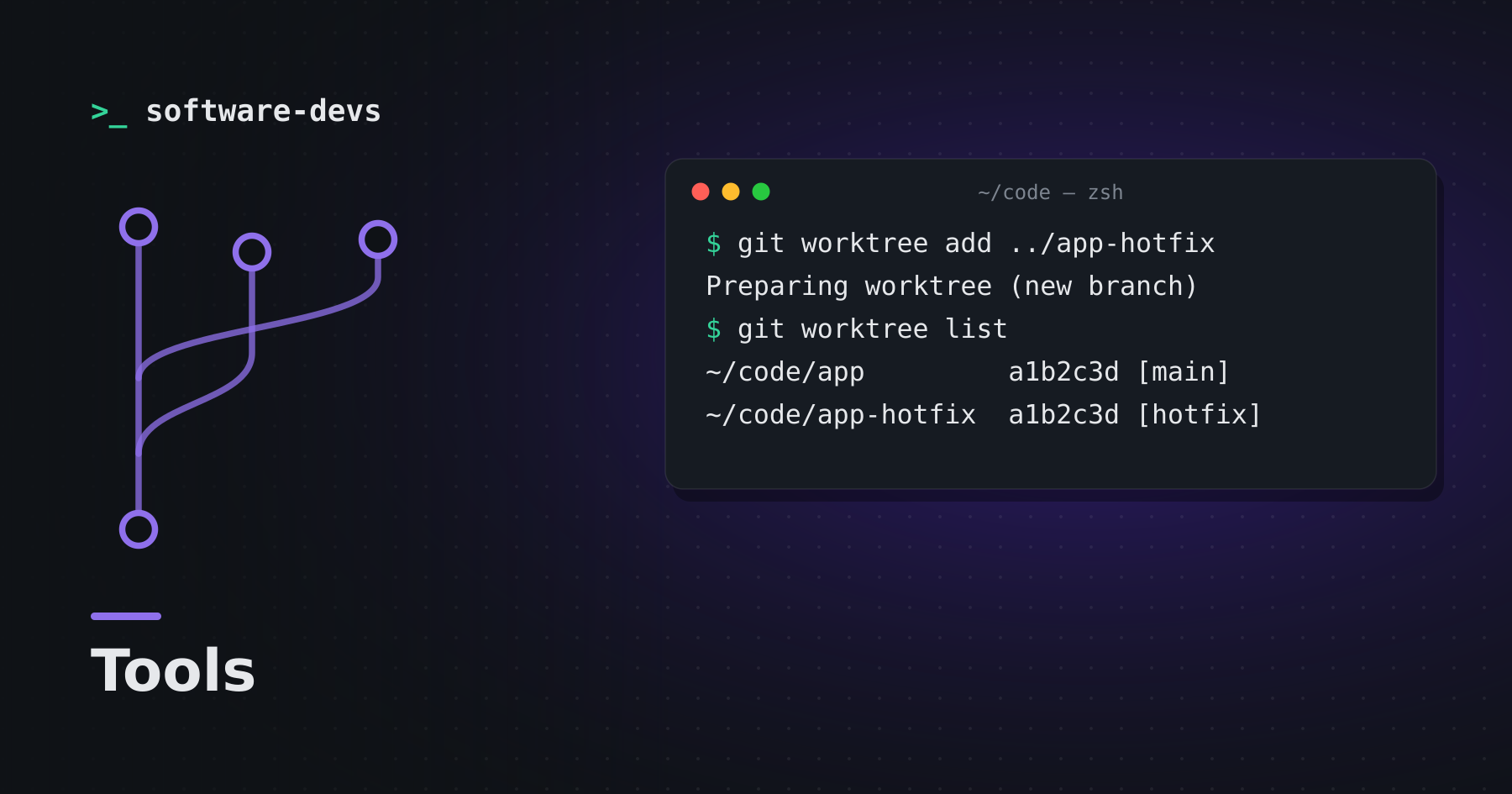
You're halfway through a feature when an urgent bug report lands. The usual dance: git stash, switch branches, fix, switch back, git stash pop, resolve the surprise conflict. Worktrees skip all of that.
What a worktree is
A worktree is an extra working directory attached to the same repository. Each one has its own checked-out branch, but they share history, objects and remotes.
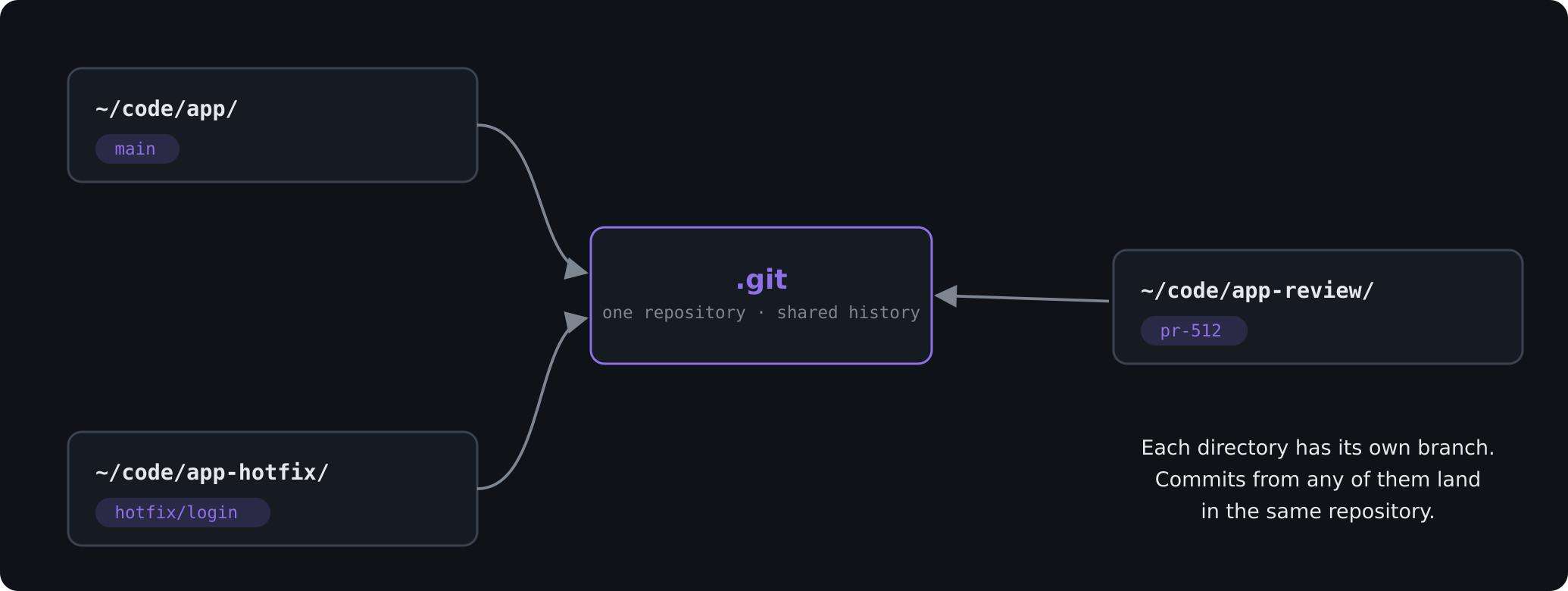
# create a sibling directory with the hotfix branch checked out
git worktree add ../myapp-hotfix -b hotfix/login main

cd ../myapp-hotfix
# fix, commit, push — your feature branch is untouched
Managing them
git worktree list
git worktree remove ../myapp-hotfix
git worktree prune   # clean up entries for deleted directories
Good uses
- Hotfixes without disturbing in-progress work.
- Reviewing a pull request locally while your own branch keeps running.
- Long builds or test suites on one branch while you keep coding on another.
- Running parallel tasks — including automated agents — in isolated checkouts.
Gotchas
- A branch can only be checked out in one worktree at a time.
- Each worktree needs its own dependencies installed (
node_modules, build caches). - Untracked config files like
.envaren't copied automatically.
Once you've used them for a week, stashing starts to feel like a workaround for a problem git already solved.