A modern command-line toolkit for developers
A handful of fast, focused command-line tools can replace minutes of clicking every day. Here's a starter kit and how the pieces combine.
The classic Unix tools still work, but a newer generation of command-line utilities is faster, friendlier and smarter about modern projects. A few are worth installing everywhere.
Searching code: ripgrep
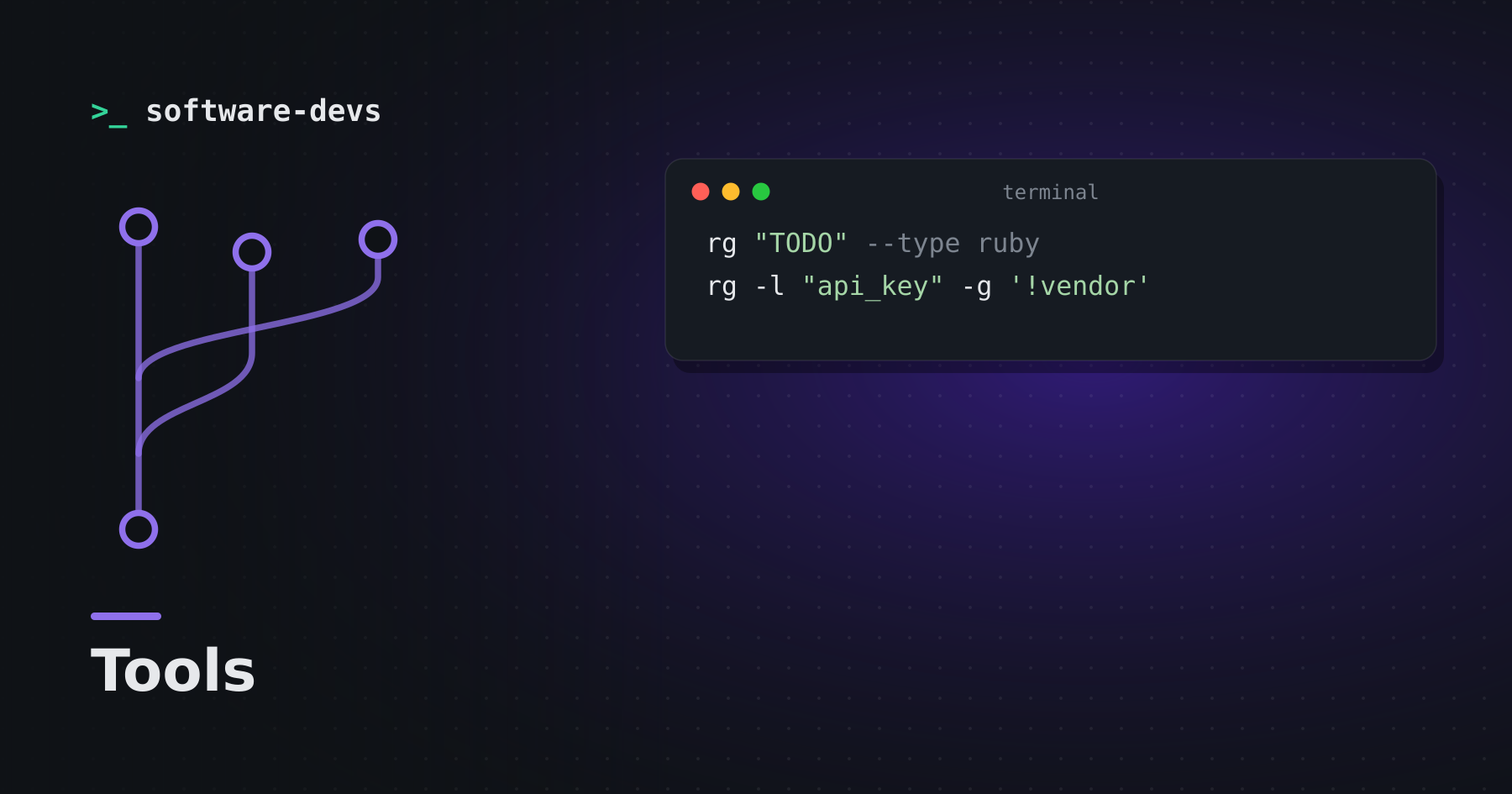
rg "TODO" --type ruby
rg -l "api_key" -g '!vendor'
rg searches recursively, respects .gitignore by default and is very fast on large codebases.
Finding files: fd
fd migration db/
fd -e md -x wc -w
A simpler, faster alternative to find, with sensible defaults and color output.
Fuzzy finding: fzf
fzf turns any list into an interactive, searchable picker:
git branch | fzf | xargs git switch
vim $(fd -e rb | fzf)
Shell integrations add fuzzy history search and file completion.
JSON on the command line: jq
curl -s https://api.example.com/items | jq '.items[] | {id, name}'
Filter, reshape and extract JSON with a compact query language. Invaluable for working with APIs and logs.
Better defaults for old favorites
- bat —
catwith syntax highlighting and line numbers - eza —
lswith git status and tree views - delta — readable side-by-side diffs for git
- zoxide — jump to frequently used directories by partial name
Combine them
The real power is composition. Pipe ripgrep matches into fzf, open the selection in your editor, use jq to slice logs, and fd to feed files into any command. Each tool does one thing well, and the shell connects them.
Keep your dotfiles in git
Aliases, shell config and tool settings accumulate over years. Keep them in a repository so a new machine is productive in minutes rather than days.